Making Web Animation Self-Serve

Our designers could quickly create animations with Claude, but publishing them was slow. They either needed developer reviews or custom components, which was too much overhead for one-off assets. I wanted to eliminate these delays while keeping our site safe from bugs and layout issues.
It started with one code review
Our team designed a marquee of component pills for the Store Design page. I animated it with Claude Code and opened a ticket for engineering to review the code. The review found four problems: the embed's colors could leak into the rest of the site, it could run twice and stack its animations, it loaded its animation library from an outside site, and screen readers read it twice. I turned those four issues into the first rules of a Claude skill.

Asset or component was the first question
An asset, like an animation, is fixed content that looks and works the same wherever it appears. A component is something editors change or reuse, like a carousel, and it gets built and registered in the codebase. Assets had no safe way onto the page, so I built two pieces for them: a component that protects the page and a skill that protects the brand.
- Walls off the codeNothing leaks into the page
- Supplies the animation libraryLoaded once, from our own code
- Cleans up after itselfNothing left running
- Brand colors and typeSnapped to our tokens
- Motion and performancePauses off screen, respects reduced motion
- Accessibility and searchContrast, labels, a crawlable image
Shadow Embed component
The component handles the risky parts of an embed
I built Shadow Embed directly in our codebase with Claude Code, for all three of our brand sites. It's a Makeswift component that runs a designer's code inside a Shadow DOM, so the animation's styles and scripts can't reach the rest of the page. It saves the asset's space before it loads so nothing jumps, removes everything when it leaves, and shows a placeholder still that search engines can read. In the editor, embed code comes first and every other setting folds into a group named for its task.
Shadow Embed Builder skill
The skill fixes the code and lists every change
Designers can build a new animation with the skill from the start, or hand it an existing one to clean up. For a component, it writes a spec instead of forcing it into an embed. For an asset, it snaps off-brand colors to tokens, darkens low-contrast text, and lists every change. If a designer says "keep the green," it stays, marked as approved.
Built to go live without a ticket
Designers paste the cleaned-up code into the component, and the asset runs. Review happens once, for the system, instead of for every embed.
OutsourcedFreelancer or video producer
- An animator builds it
- WebP or MP4 files handed off to design
- Uploaded to the site
In-houseBuilt in Claude
- A designer builds directly in Claude
- Ticket and developer code review
- Published to the site
Self-serveWith Shadow Embed
- A designer builds it with the skill
- Pasted into Shadow Embed
- Live on the site
The last piece was guidance on the motion
With anyone able to ship an animation, the system needed one more thing: help choosing what that animation should do. Teammates outside design were building blog animations that ran long and asked readers to follow too much at once. So I wrote motion guidelines: a short internal page that sorts animation by what it's for, gives each kind a length and a trigger, and hands over a prompt to start from in Claude.
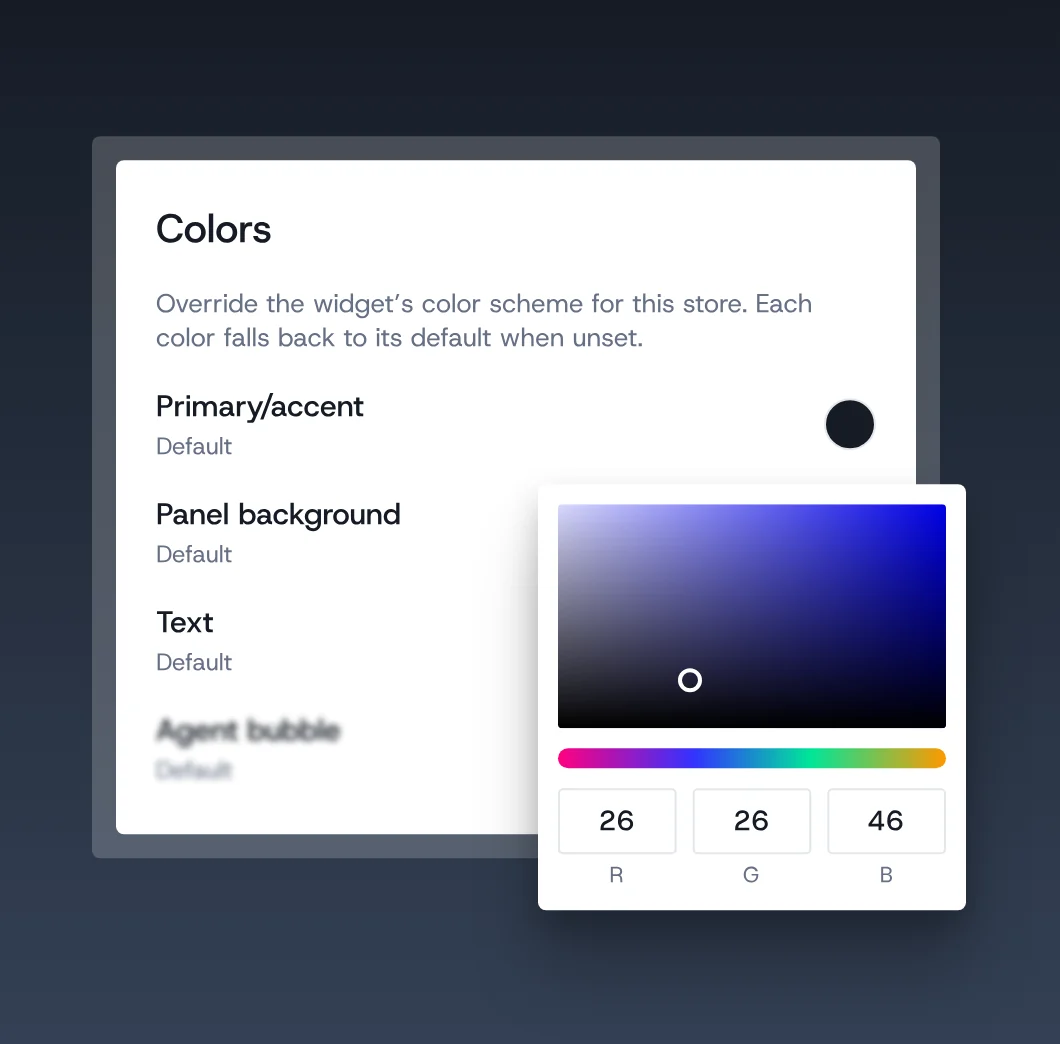
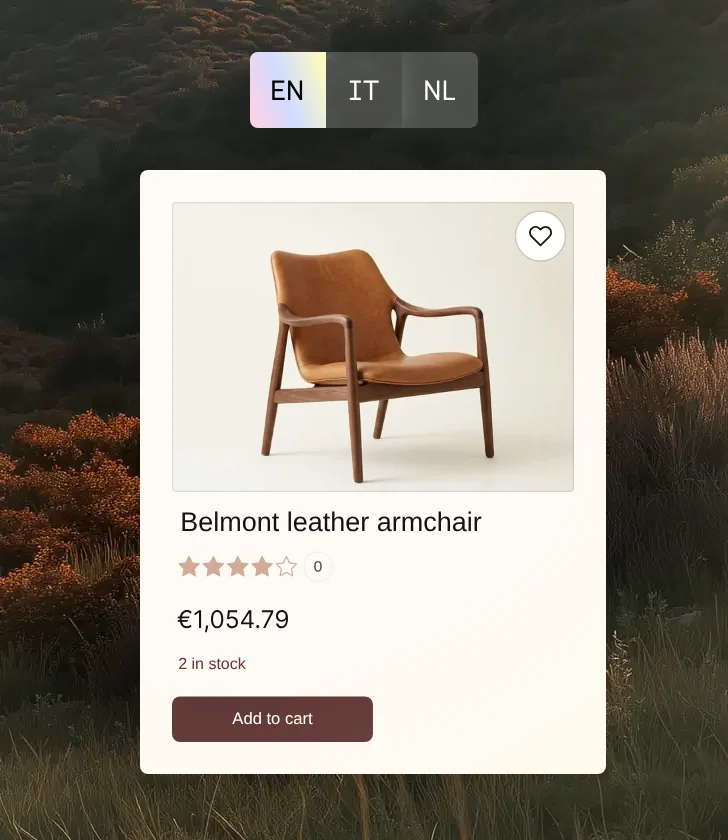
Here are three of the kinds, built with the skill and running live inside a shadow root, the same way the component runs them.

One question picks the motion
The guidelines end with a picker. Instead of learning the types first, a person chooses what their image is trying to do, like explain a process or show what a visitor can do, and it points them to the motion that fits. It's the same idea as asking asset or component: start with the goal, and the rules follow.
Shaped by the team, used by the team
Our senior engineering manager's review set the skill's first rules, and they made it the replacement for our old embed skill. An SEO specialist added the search rules and caught a conflict with the accessibility ones. Now teammates outside design use the guidelines to cut their blog animations down to one clear idea at a time.