Figma Project Starter
The Problem With Starting a File
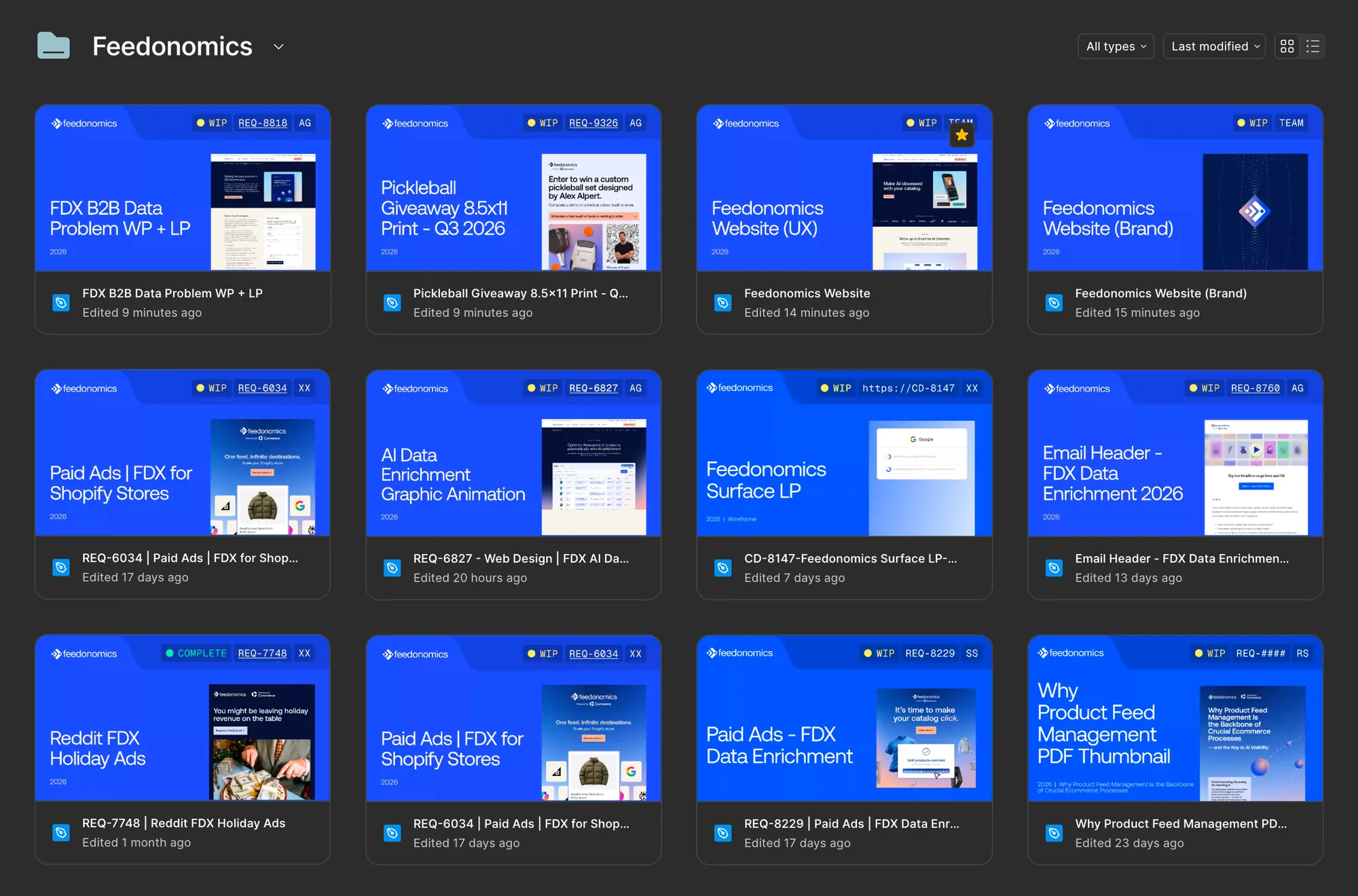
Every new ticket meant the same setup before any real design work could start:
- Duplicating the file starter template
- Naming the file and typing the title onto the cover
- Typing your initials onto the cover
- Pasting the Asana link into the ticket widget
- Moving the file into the right brand folder afterward
- Coworkers not being able to find your file
None of it was hard, but it was repetitive, easy to get slightly wrong, and it happened dozens of times a month across a team working in four brand folders at once. On top of that, every designer's file was structured a little differently, so there was no shared sense of where anything lived from file to file.
I built a Claude skill to remove that setup entirely and bring some consistency to it. Give it an Asana ticket, and it builds a fully structured Figma file: correct brand mode, the right folder, the cover filled in, ready to design in.
How It Works
The skill runs on a simple structure: a four-page starter template (Working, a divider, Cover, Archive), Working first so the file opens straight into active work.
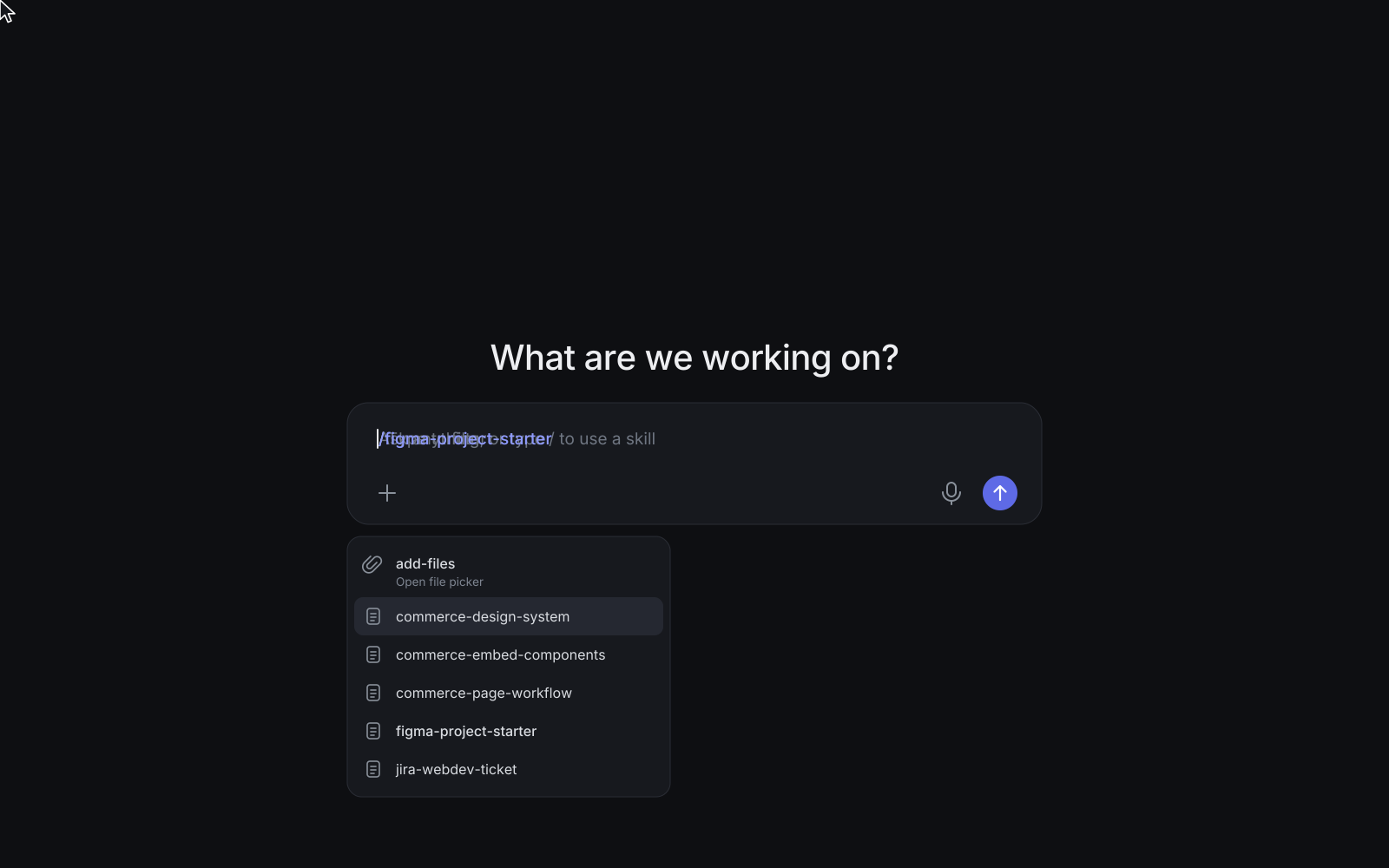
Connect Figma and Asana once in Claude, then start a new chat and either type /figma-project-starter, drop in an Asana link, or just ask in plain language, something like "here's my ticket, can you set up a Figma file for this."
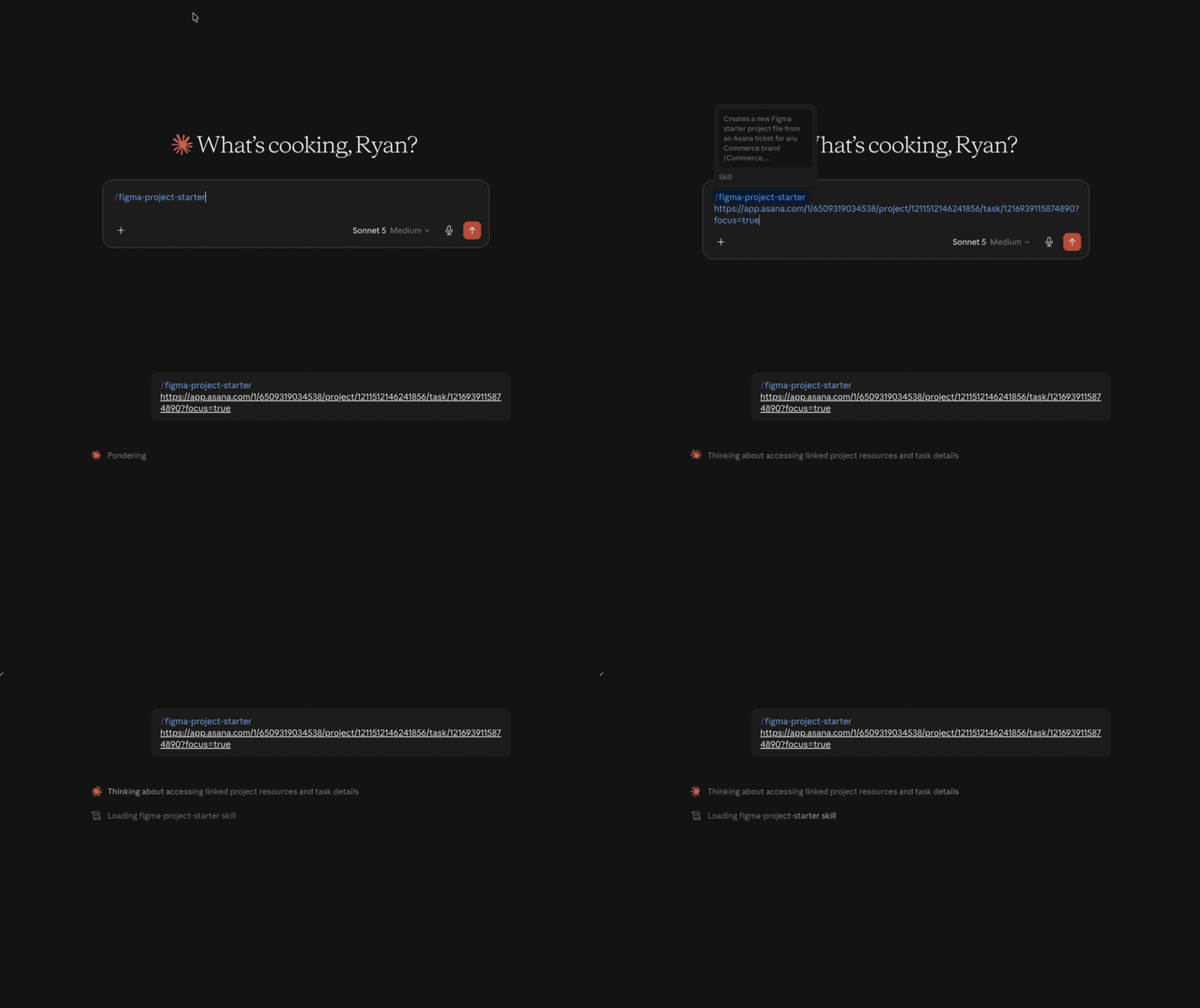
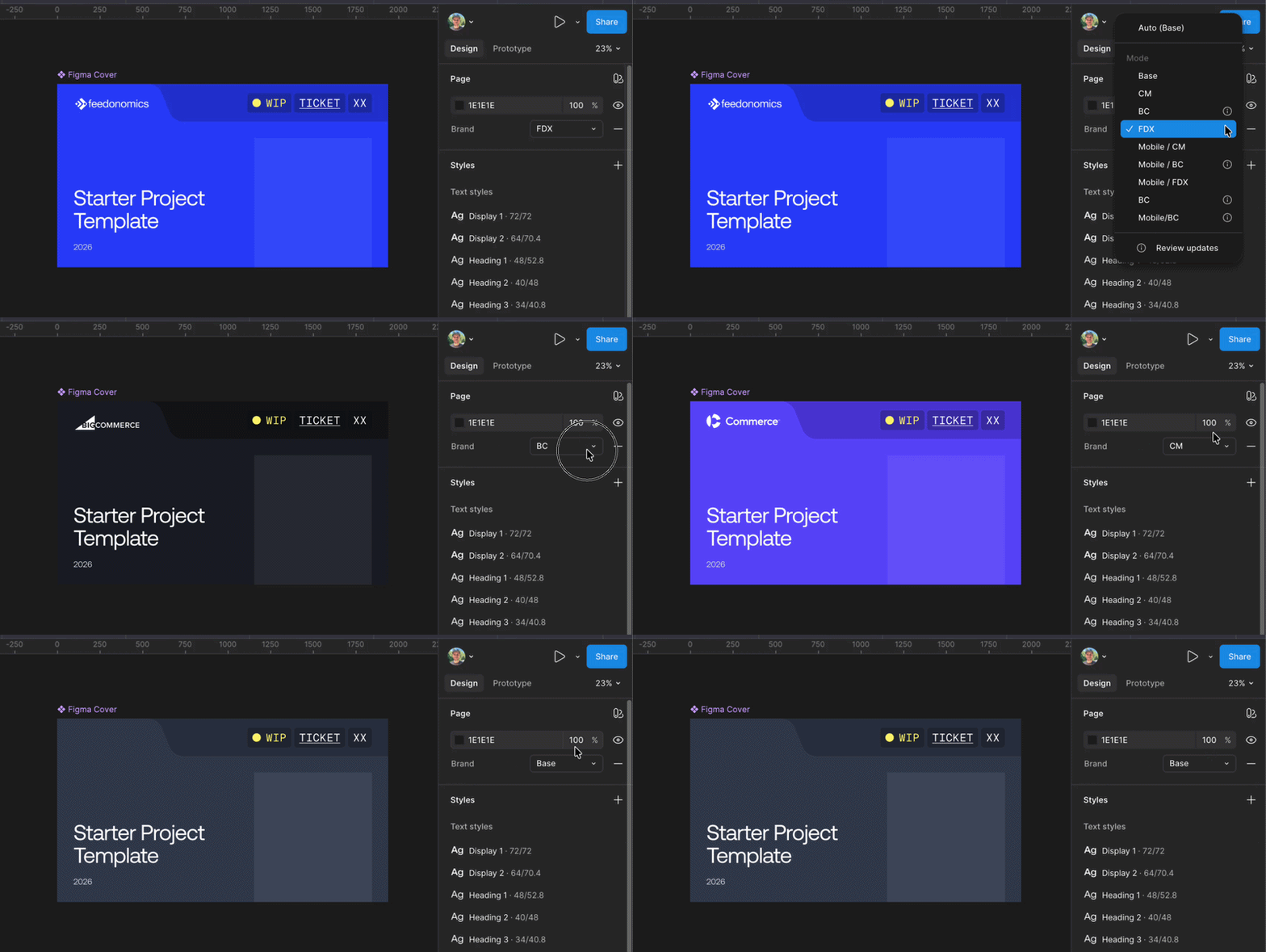
From there it reads the ticket, works out which brand it belongs to, duplicates the template, fills in the cover with the ticket title, REQ number (hyperlinked back to Asana), and your initials, sets the correct brand mode at the page level, and files the result in the right brand folder. One manual step is left: Figma doesn't allow setting a thumbnail programmatically, so you right-click the cover frame and choose "Set as thumbnail" yourself.
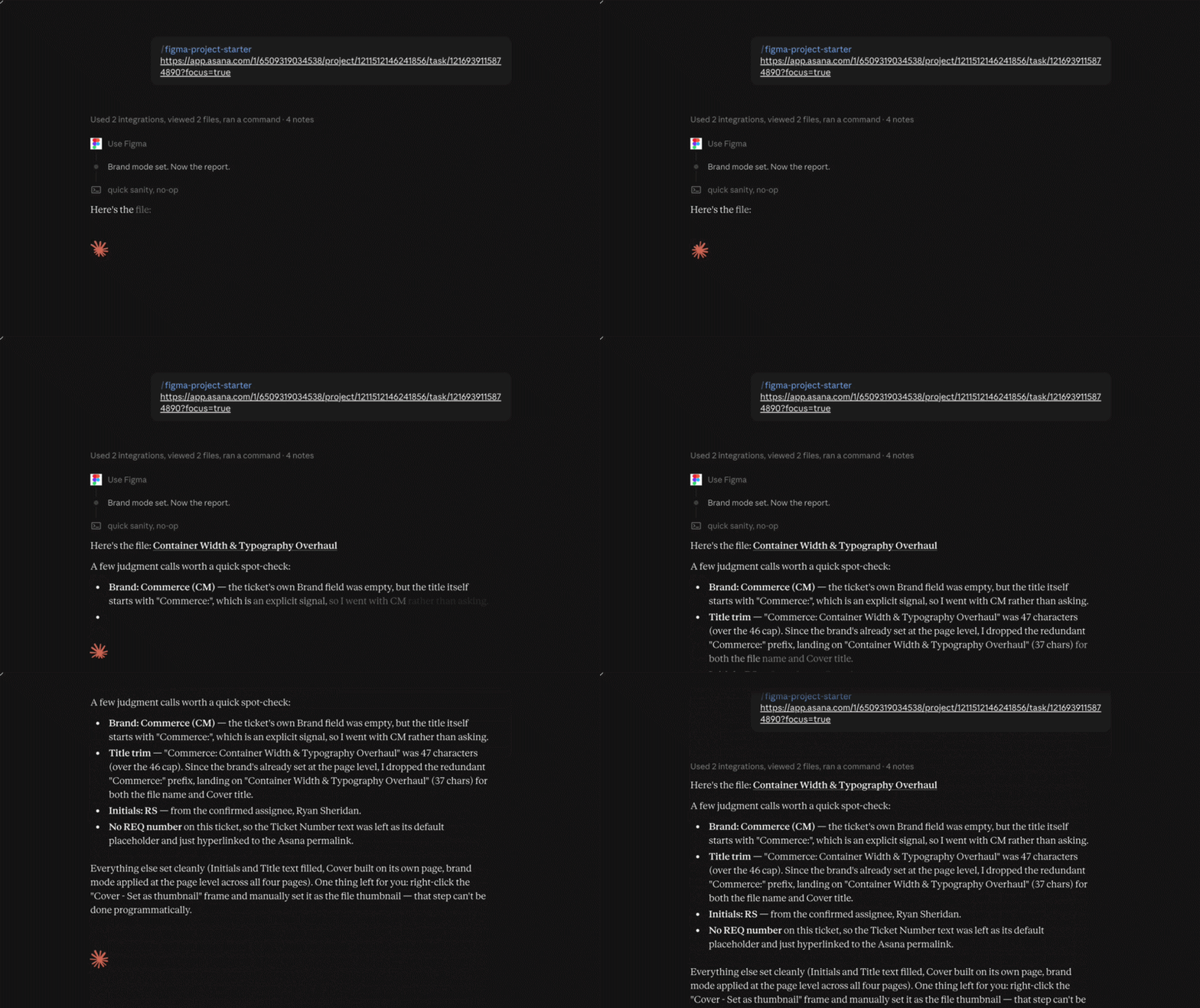
What I like most about how it runs is that it doesn't just hand you a file. It shows its work. When the brand isn't obvious from the ticket alone, it says so and shows the judgment call it made rather than guessing silently, so nothing ships on-brand by accident.
Rolling It Out
I shipped this as a real tool, not a demo. I wrote the setup instructions, walked the team through the new process in Slack, recorded two short before/after clips showing the manual way next to the new one, and asked people to test it and flag anything broken. It's since become part of how the marketing design team actually starts projects, running across the Feedonomics, BigCommerce, Commerce, and Makeswift brand folders inside our shared Figma team.
Where It Landed
This was built because five minutes of file setup and repeated constantly across a team, adds up to a lot of lost time and a lot of small inconsistencies. The measure of whether it worked isn't the AI part, it's whether a designer can open a ticket and get straight to designing without thinking about the file at all. That's what it does now.